Campaigns
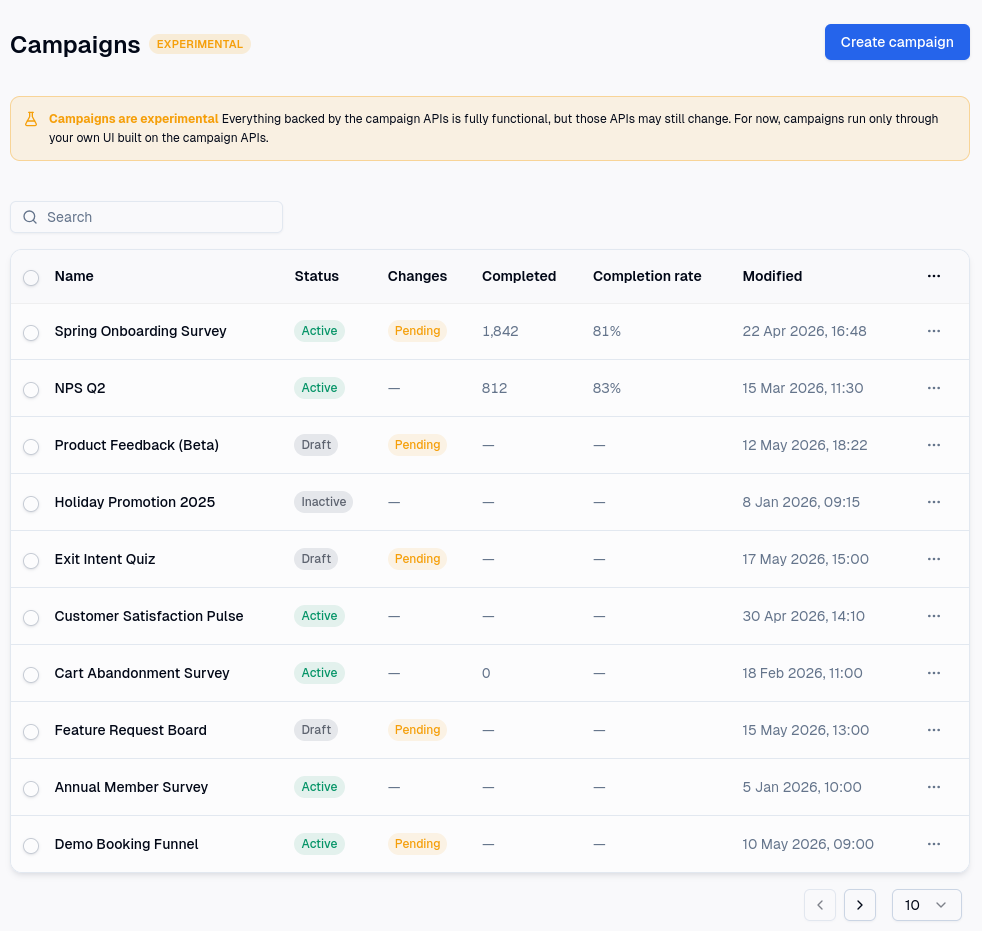
Campaigns collect answers from the people who use your applications, and reward them for taking part. A campaign is a sequence of pages that someone moves through, answering questions as they go. What they answer can change what they see next, can be written back onto their user profile, and can earn them points and rewards.
The person taking a campaign is a participant. One run at a campaign is a session. A session that reaches the end is a response, which is what Results and your response limits count.
Surveys, quizzes and polls
The same campaign covers three familiar shapes. The difference between them is a setting rather than a different kind of campaign, so you can start with one and change your mind later.
- A survey collects answers. No answer is right or wrong.
- A quiz scores answers. You mark which are correct and what each is worth, then map ranges of the total score to a message and a reward. See Quizzes.
- A poll shows participants how everyone else answered, once they reach the ending.
Quiz and poll cannot both be switched on at the same time, since one grades an answer and the other reports it.
The pieces
A campaign is everything you build: its pages, its questions, its settings and its logic.
A page is one screen. It holds zero or more questions. A page with no questions is a content page, which is how you write an introduction, a set of instructions, or anything else a participant only reads. See Building a campaign.
A question is what you ask. There are types for choices, ratings, text, dates, contact details, matrices and rankings, and each brings its own settings. See Question types.
An ending is where a session finishes. It is either an end page, which is a closing screen you write, or a redirect, which sends the participant straight to a URL of yours. A campaign can have several endings and send different participants to different ones.
A distribution is how a campaign is opened to an audience. It carries its own dates, its own cap on how many responses to accept, its own rewards and its own rules about who may answer. One campaign can have several distributions, which is how you run the same questions past two audiences, or in two periods, and keep the results of each apart. Until a campaign has a published distribution, nobody can take part. See Distributions.
A session is one participant's run at the campaign. It is completed if they reach an ending, abandoned if they walk away, disqualified if a rule or a time limit ended it early, and a failed authentication if they were turned away because of who they are.
A response is a completed session. It is the narrower of the two, and it is the one most figures are built from: Results counts responses, and so do the caps you put on a campaign. A campaign with many sessions and few responses is one that people are starting and not finishing. See Results.
Working on a campaign
The campaign editor has four sections.
Content is where you write. Pages, questions, endings, and the campaign settings that decide what a participant sees around your questions: the progress bar, the page and question numbering, the button labels, whether they may leave a question blank. It is also where you put a time limit on a campaign or a single page, and a cap on how many responses you are willing to take. See Building a campaign and Campaign settings.
Logic is where a campaign stops being a flat list of questions. It holds four views of the same campaign: branching, which routes participants by what they answered; quiz scoring; field mapping, which writes answers onto user profiles; and variables, which drop live values into your wording and your rules. See Logic, Variables, Quizzes and Identifying participants. For the order pages are shown in when no rule intervenes, see Navigation.
Distribute is where you create distributions and set their dates, caps, rewards and audience. See Distributions.
Results is where the answers arrive. It appears once the campaign has been published. See Results.
Everything you change is saved to a draft, and participants keep seeing the version you last published until you publish again. You can preview a campaign as a participant would see it at any point, without waiting to publish and without affecting your results. See Publishing.
How campaigns fit with the rest of Mambo
A campaign belongs to a site, like everything else in Mambo, and can only reach the users of that site.
Points and rewards. A distribution can fire a behaviour when a participant starts, and another when they finish. A quiz can fire one for each range of scores, so a participant who scores well is rewarded differently from one who scrapes through. Each of these can also award points directly, and each leaves an activity in the user's stream, which Results shows next to the session that earned it.
User profiles. A question can write its answer onto the participant's profile, either to a fixed field such as first name or email, or to a custom field you have defined. The same mechanism is what lets a campaign recognise a returning participant, create a user for someone it has not met, or turn away anyone who has already taken part. See Identifying participants.
Audiences. A distribution can be restricted to participants carrying a particular personalisation tag, and can refuse anonymous participants altogether.
Serving a campaign to participants
Building a campaign is one half of the job. Showing it to people is the other, and that part happens in your own application.
Mambo serves a campaign through its APIs. Your integration starts a session for a participant, is handed each page to display, submits the answers, and is handed whatever comes next. The routing, the questions to hide or show, the scoring, the time limits, the caps and the rewards are all worked out on the server, so your application displays and submits rather than deciding anything itself.
This means a campaign needs a developer once, to build that integration. After that you can write, change and publish campaigns on your own. You would only need them again to support something the integration was never built to display, such as a question type you have not used before.
The endpoints are in the API Explorer, under Campaigns, Pages, Questions, Distributions, Sessions and Results.