Sites
Overview
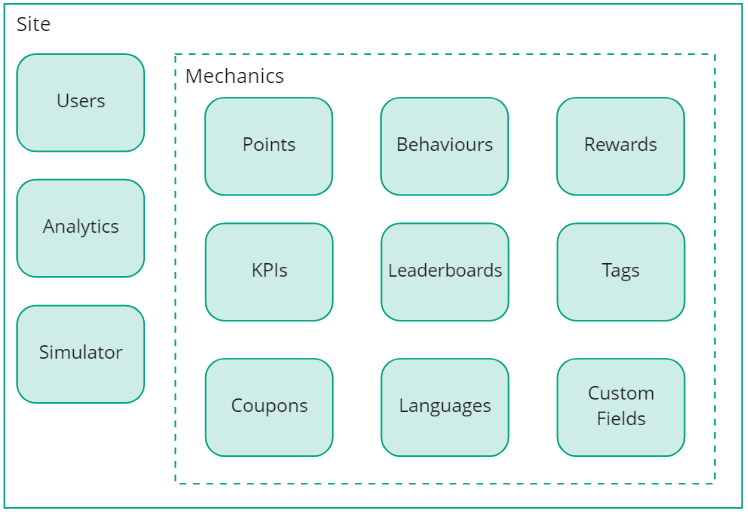
Sites contain all your users, mechanics, and analytics. Each user or mechanic in Mambo is associated with a specific site, with complete separation between sites.
Common use cases
Sites can separate engagement strategies for different audiences:
- Customer engagement programmes
- Employee recognition systems
- Partner reward schemes
- Development, testing, and production environments
Use templates to manage changes across different sites.
Switch between sites using global filters in the administration panel to view site-specific information.
Site configuration
URL configuration
The site URL uniquely identifies your site when making API requests. Despite the name, it can be any unique identifier:
- Company:
acmeinc - Environment:
acmeinc-prod - Custom identifier:
myapp
For example, when using the API endpoint /v1/{site}/behaviours:
HTTP
Explore available endpoints in the API Explorer.
Time zone settings
Time zone configuration determines:
- Operating timezone for the site
- First day of the week
- Day/week/month boundaries for leaderboards and KPIs
- Expiration calculations for points, behaviours and achievements
Example configurations:
- UK business: GMT/BST with Monday as first day
- US retail: EST with Sunday as first day
- Global service: UTC with Monday as first day