Languages
Overview
Languages allow you to define additional languages for internationalising your Mambo configuration. This feature enables you to provide translations for all user-facing text elements throughout the platform, creating a multilingual experience for your users.
When you create a new language in the system, you can add translations for various configuration elements such as behaviour names, KPI descriptions, coupon details, and more.
Setting up languages
One language must be configured as the default language. This default language:
- Automatically populates response fields for API requests
- Serves as the fallback when a translation is not available in a requested language
- Provides the base text that will be translated into other languages
API considerations
When you make requests through the Mambo APIs:
- The response will contain a "translation" field with translations in all configured languages
- By default, text fields use the default language
- You can specify a different language using the "Accept-Language" HTTP header in your request (see the Internationalisation documentation for examples)
Translatable elements
The diagram below illustrates all the configuration elements which support translation:
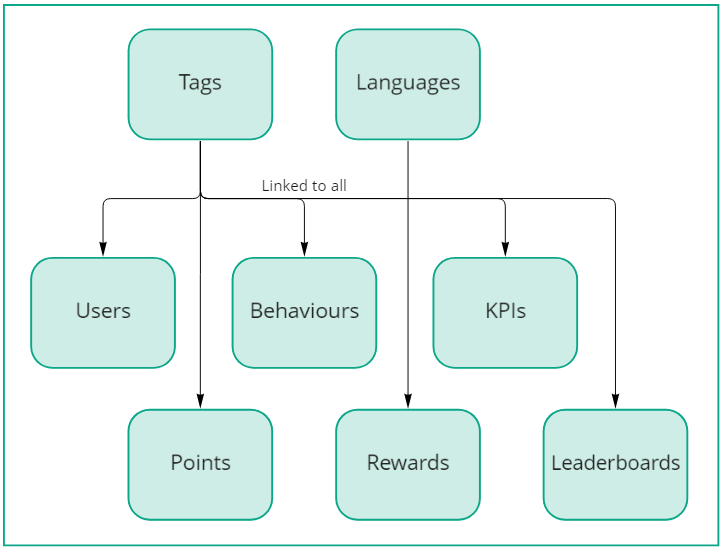
These elements include behaviours, KPIs, coupons, points, and other user-facing configuration items.